
Appearance
User Settings
User Settings allows the user to update their account information at any time after initial registration. The page presents the same fields as the registration form:
- Reporting Email — The email address to which formal test reports will be sent when using the Generate Report function in Results and Reports. This must be a valid, non-Direct email address.
- Direct Addresses — The list of registered Direct addresses associated with the account. These are the addresses that are used for testing Direct messaging, and Direct messaging tests will only allow you to use an address in your registered Direct address list. At least one is required, and addresses can be added or removed as needed.
- Trust Anchors — Custom CA certificates used to build a trust chain to your custom Direct certificates.
TIP
Note: If you do not plan to use any of the Direct messaging tools or you do not have a Direct address, you can provide a placeholder address such as your reporting email and make updates as needed at a later time.
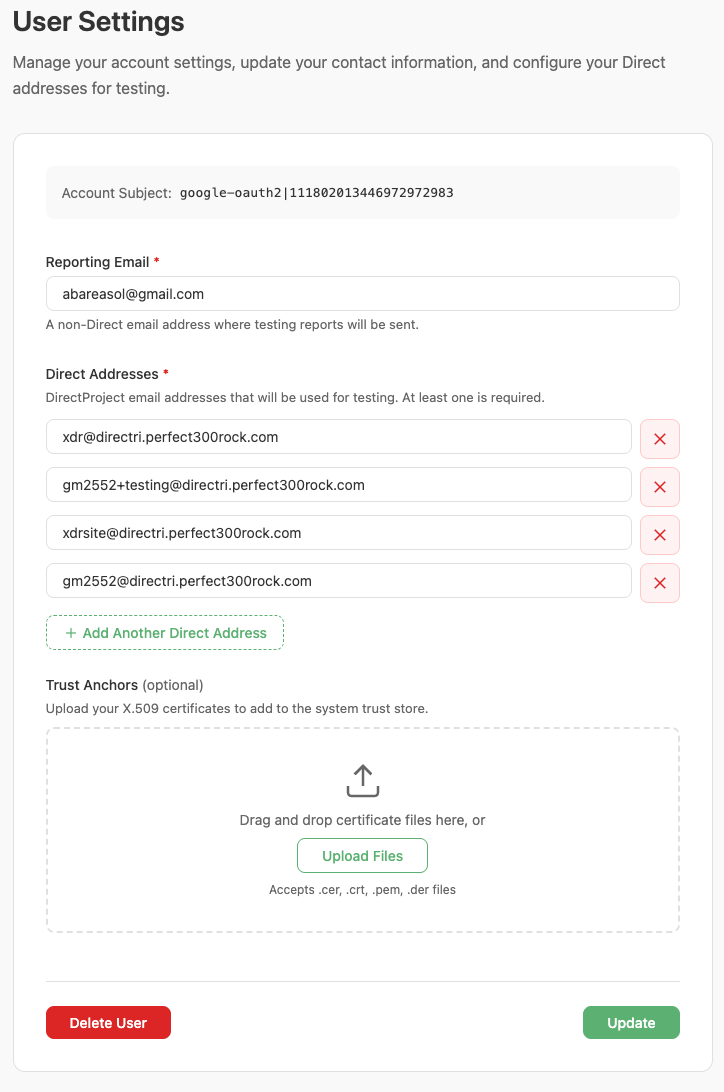
User Settings page
Click Update to save changes. A green success message confirms the update. To delete the account entirely, click Delete User and confirm the action in the confirmation dialog. Account deletion is permanent and removes all associated test results.