
Appearance
Directory Search
The Directory Search Tool makes looking up Directory listings easy to support troubleshooting and analysis of reported issues, as well as just searching the DirectTrust directory. The Directory Search tool embeds the DirectTrust SMART-on-FHIR Directory Search application directly within DirectTrust Tools. This allows users to search for locations, individuals, and endpoints published in the DirectTrust FHIR Directory without leaving the platform.
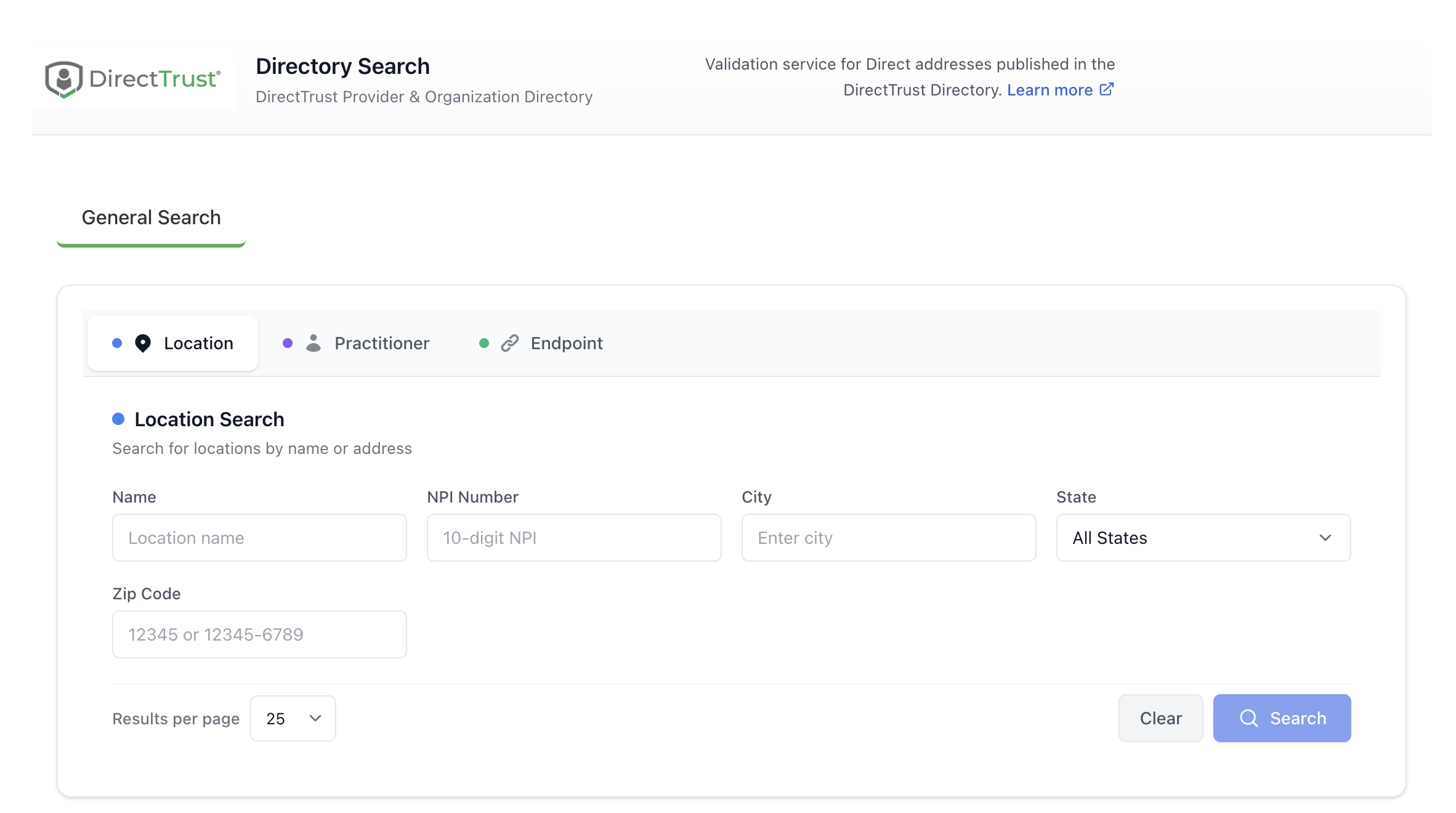
Directory Search interface with Location, Practitioner, and Endpoint search tabs
Workflow
- Navigate to Directory Tools > Directory Search.
- Use the search interface to search by location name, provider name Direct address, NPI, or other criteria depending on the search tab selected.
- Click the search button.
- The first n search results are displayed within the application. You can page through additional search results using the Previous and Next buttons.
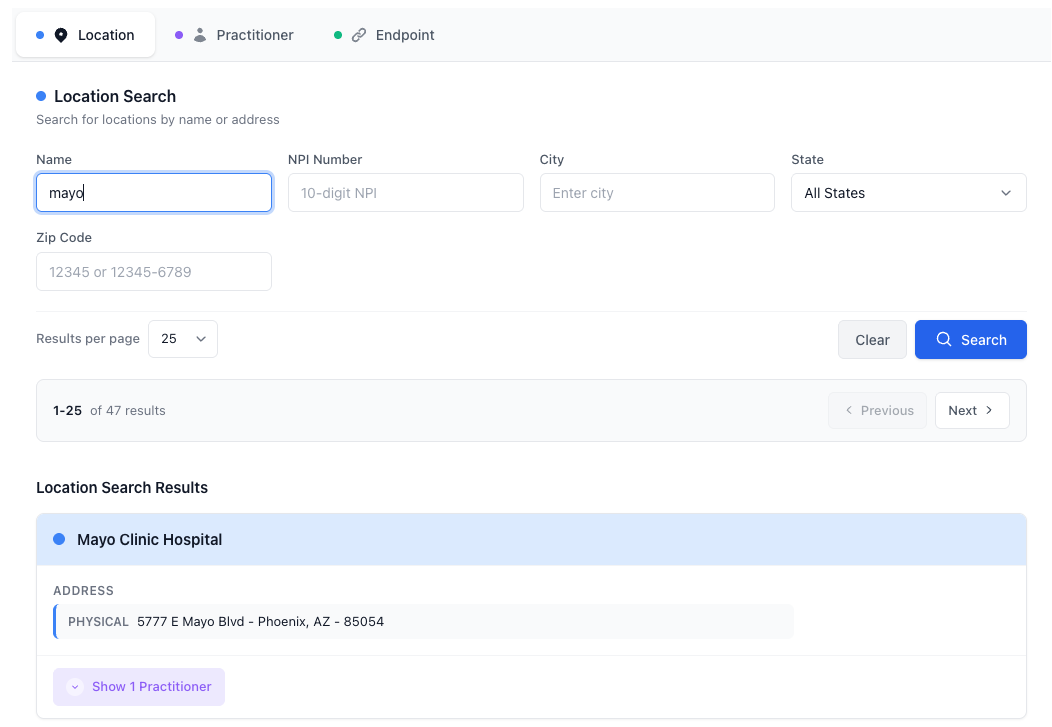
Directory Search results showing Direct addresses with the certificate discovery button
Each Direct address in the results will be accompanied by a green information button that, when clicked, will discover and show details of the certificate associated with that Direct address.
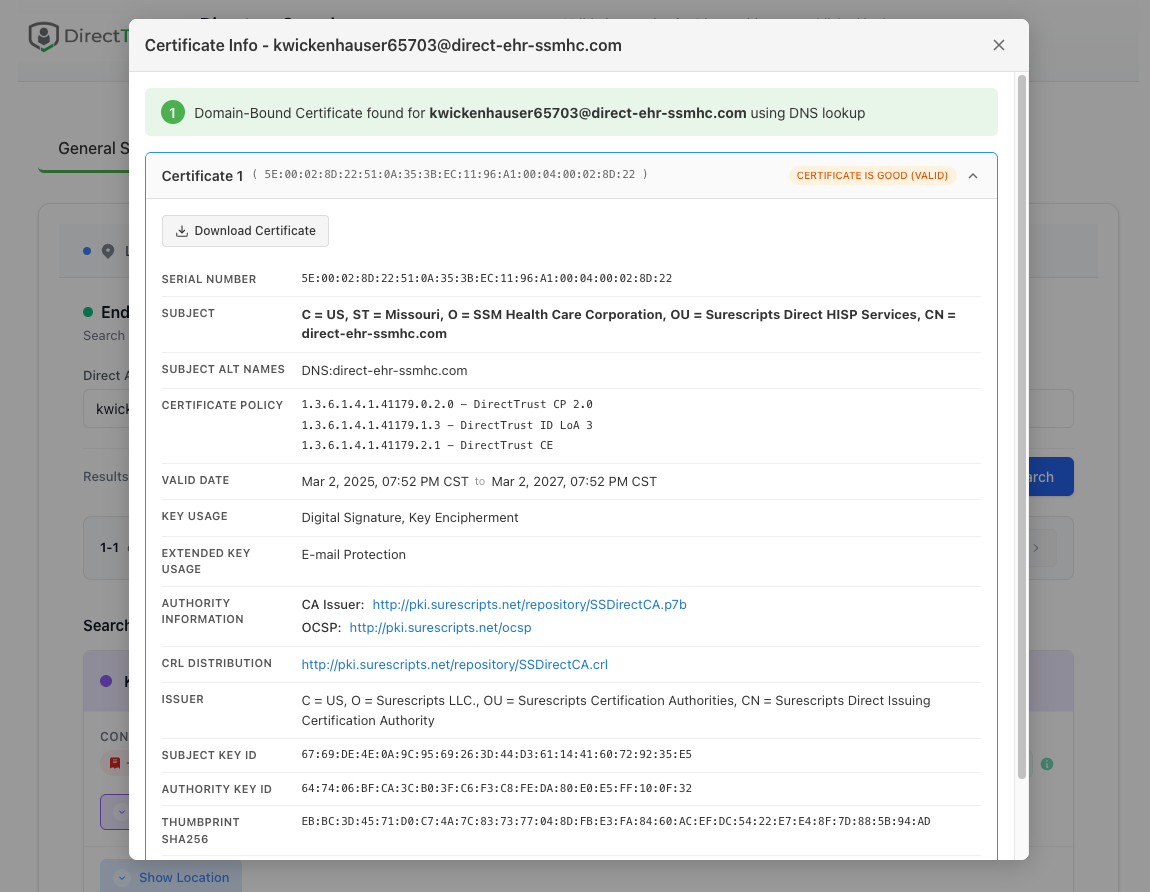
Certificate details discovered for a Direct address