
Appearance
Certificate Discovery
The Discovery tool tests whether a HISP can correctly discover a Direct address’s certificate by performing lookups in accordance with the Implementation Guide for Certificate Discovery in Direct. The test consists of 18 Direct addresses that either have valid or invalid certificates or no certificates at all; the user’s HISP must either find the correct valid certificate, find and reject an invalid certificate, or not find a certificate at all based on the address’s certificate configuration.
In every case the tool evaluates the same thing: the certificates that your HISP used to encrypt the Direct message it sent. The tool inspects the encryption envelope of each message it receives and compares the certificates found there against the certificates it expects for the addressed test recipients.
Two ways to run the test
The Discovery tool offers two testing options. Both cover the same 18 discovery scenarios and both are valid ways to complete the test — choose whichever option works best for you and your HISP. Each option uses its own set of Direct addresses, so the addresses are not interchangeable between the two options.
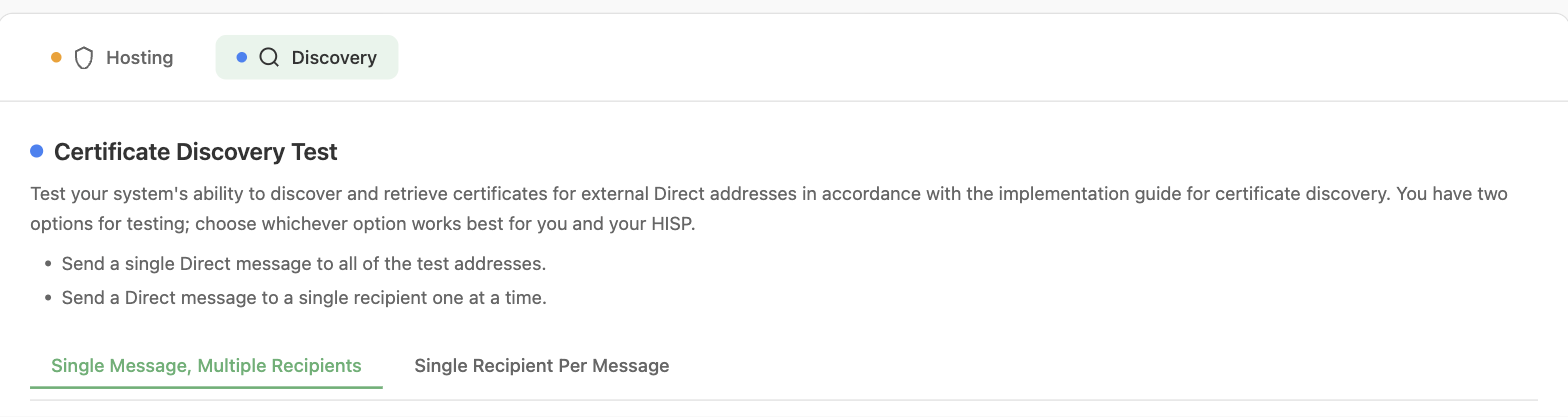
The Certificate Discovery Test with its two testing options
- Single Message, Multiple Recipients — One Direct message addressed to all 18 test addresses at once. The tool evaluates every scenario from that single received message and produces a single pass/fail result covering all 18 addresses.
- Single Recipient Per Message — A separate Direct message sent to one test address at a time. Each message produces its own result covering only that address’s scenario.
Which option should I use?
| Single Message, Multiple Recipients | Single Recipient Per Message | |
|---|---|---|
| Messages to send | 1 | Up to 18 (one per scenario) |
| Test addresses | d1@… through d18@… | d1single@… through d18single@… |
| Results produced | One result listing all 18 scenarios | One result per message sent |
| Negative scenarios (no certificate should be discovered) | Evaluated automatically by the tool | Must be tracked and reported manually |
| Best suited for | HISPs whose edge system can address a single message to many recipients and that continue sending to the remaining recipients when discovery fails for some of them | HISPs whose edge system sends one recipient at a time, or that abort the entire message when discovery fails for any recipient |
TIP
Note: The Direct address that the test messages are sent from must be registered in the User Settings.
Regardless of the option chosen, results are automatically saved and can be viewed in the Results and Reports section of the tool under Management > Results and Reports.